We use essential cookies to keep you signed in and to run the app. With your
permission we would also like to use analytics and advertising cookies
(Meta and Google) to understand how the site is used. You can change this
at any time. See our Privacy Policy.
Existing customers: Suppliq is moving to ph.suppliq.app soon. What to do
Step-by-step videos of the real app, in English and Tagalog, at normal speed with subtitles. Most are one to three minutes and show a single task; the setup guides take you from an empty account to your first sale. Pick your business to see the videos made for it.
46 videos
No videos match.
Start here
Set up your business and run your first day.
6:06
Every planFor owners
Complete Setup Guide for Stores
Set up a store from scratch in one video: add your products, open a shift, receive a delivery, make your first sale and close for the day.
What you'll learn
Add products and categories
Open and close a shift
Record a supplier delivery
Ring up your first sale
Subtitles included
5:23
Growth plan or higherFor owners
Complete Setup Guide for Restaurants
Set up a restaurant from scratch in one video: your menu, add-ons, tables and your first table order. Tables are switched on for you on request.
What you'll learn
Add dishes and categories
Add add-ons with an extra price
Set up your tables
Take and settle a table order
Subtitles included
4:07
Growth plan or higherFor owners
Complete Setup Guide for Wholesalers
Set up a wholesale business in one video: bulk prices, then an order slip with a deposit that becomes a sale.
What you'll learn
Give lower prices for bulk orders
Write an order slip for a customer
Take a deposit
Turn the slip into a sale on delivery
Subtitles included
2:28
Every planFor owners
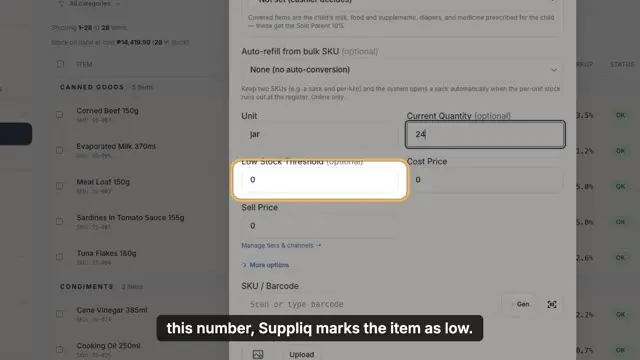
How to Add Categories and Items
Add a new product with its cost, selling price, stock and barcode, and create a category for it as you go.
What you'll learn
Add an item with its prices and stock
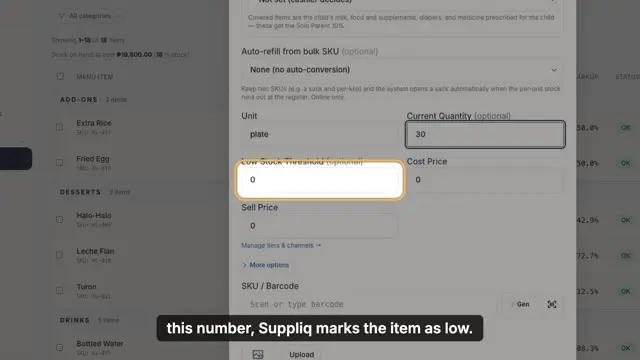
Set a low-stock alert
Scan a barcode or let Suppliq make one
Give a category a colour for the POS
Subtitles included
2:35
Every planFor owners
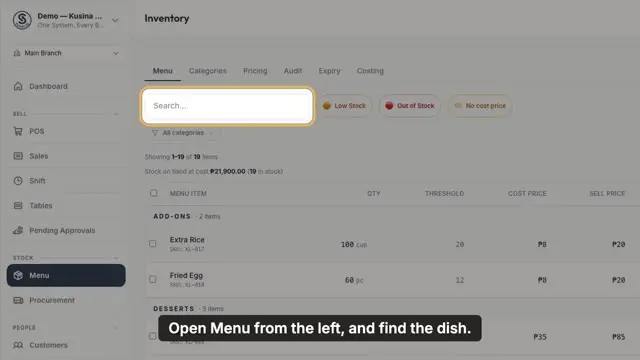
How to Add Menu Items and Categories
Add a dish to your menu with its cost, price and servings, and create a new category for it.
What you'll learn
Add a dish with its cost and price
Create a category as you type
Add a photo for the POS and customer display
Give a category a colour
Subtitles included
1:56
Every planFor cashiers
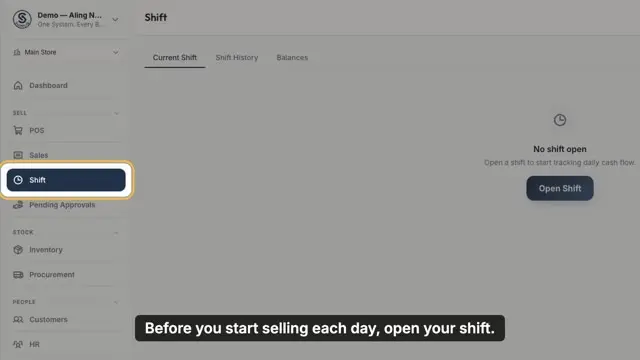
How to Open and Close a Shift
Start the day with the cash in your drawer, sell as usual, then count again at closing and see if your drawer is short, over or balanced.
What you'll learn
Type your opening cash
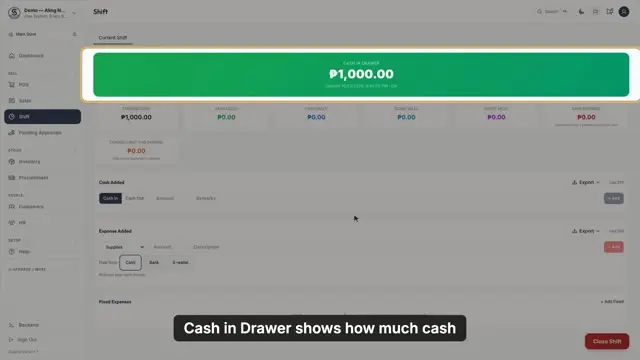
Read Cash in Drawer and the shift cards
Count your drawer and close the shift
Leave a note for the owner
Subtitles included
4:21
Every planFor cashiers
A Full Day at the Store
Follow one full day at the store, from opening the shift to receiving a delivery, selling, and closing.
What you'll learn
Open the shift in the morning
Receive the supplier's delivery
Sell through the day
Close and count the drawer
Subtitles included
Selling
Sales, discounts, credit, refunds and your customers.
1:46
Every planFor cashiers
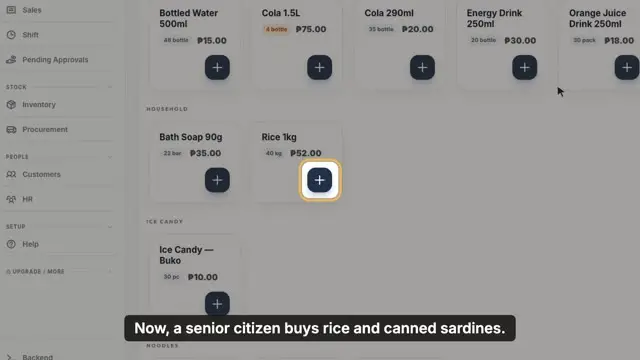
How to Make a Sale
Ring up items at the POS, find them fast by category or search, take cash and give the right change, then print the receipt.
What you'll learn
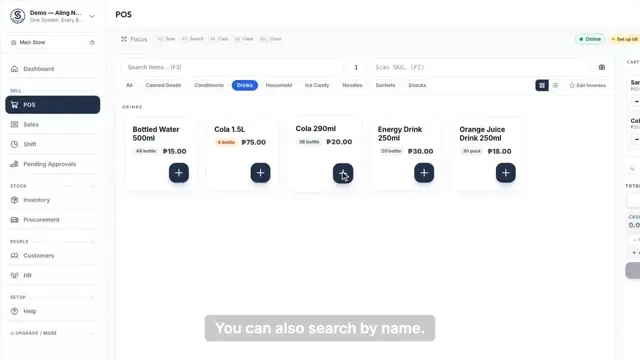
Add items with the plus button, a category or search
Change quantities or remove items in the cart
Type the cash received and see the change
Print the receipt and start the next sale
Subtitles included
2:58
Every planFor cashiers
How to Give Discounts
Give a store discount, and the Senior or PWD discount, including the 5 percent discount on basic goods.
What you'll learn
Take a percent off the whole sale
Give the 20 percent Senior or PWD discount per item
Apply the 5 percent BNPC discount on basic goods
Record the customer's name and ID on the receipt
Subtitles included
1:26
Every planFor cashiers
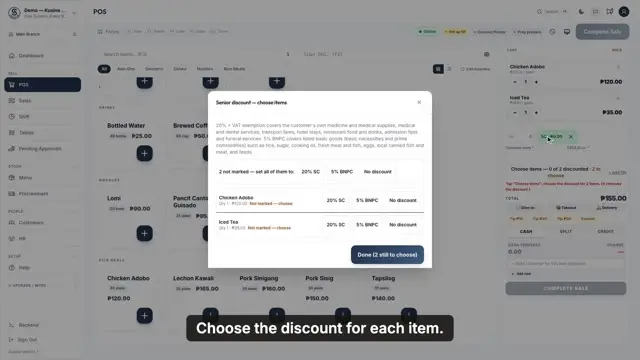
How to Give a Senior or PWD Discount
Give the 20 percent Senior or PWD discount on a meal, with no VAT, and print the customer's name and ID on the receipt.
What you'll learn
Tap Senior or PWD
Choose the discount for each item
Type the customer's name and ID number
See each discounted item on the receipt
Subtitles included
2:44
Every planFor cashiers
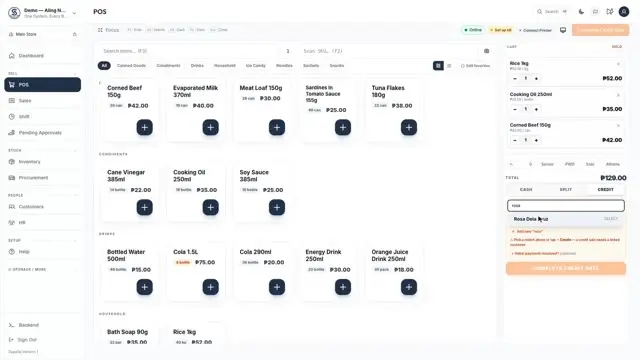
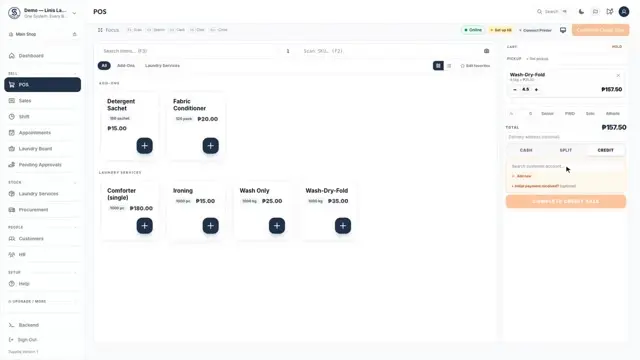
How to Sell on Credit and Collect Payment
Let a regular customer pay later (utang), then record their payment when they come back, in full or a little at a time.
What you'll learn
Link a credit sale to a saved customer
Open Collect Credit to see who owes you
Take part or all of what they owe, oldest first
Cash payments count in your shift drawer
Subtitles included
2:04
Every planFor managers
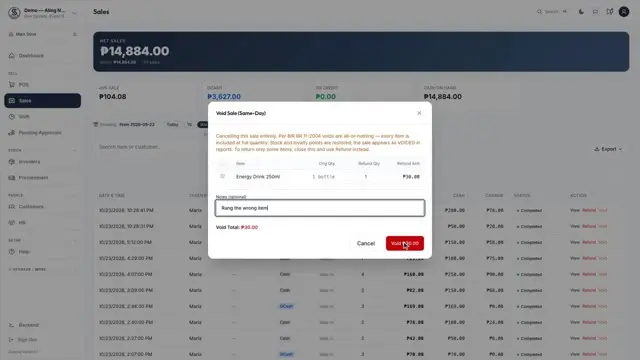
How to Refund or Void a Sale
When to void a sale that was rung by mistake, and when to refund an item a customer brings back, and what happens to your stock.
What you'll learn
Void a whole sale on the same day
Refund some or all of the items
Returned items go back to stock
Every refund is recorded with a credit memo
Subtitles included
1:40
Every planFor owners
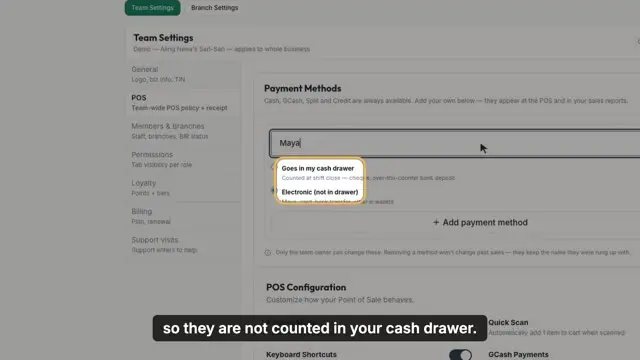
How to Add Your Own Payment Methods
Add your own payment methods, like Maya or a cheque, so every sale records exactly how the customer paid.
What you'll learn
Add a payment method in Settings
Choose whether the money goes to your cash drawer
Find your methods under More at the POS
Record the reference number of an e-payment
Subtitles included
1:48
Starter plan or higherFor owners
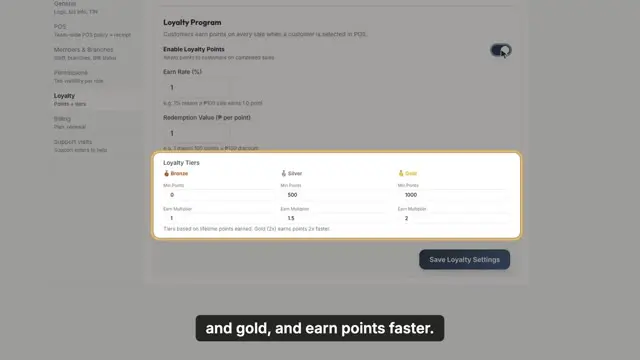
How to Set Up Loyalty Points
Reward regular customers with points, and let them use those points as a discount at the counter.
What you'll learn
Turn on loyalty points and set the earn rate
See silver and gold customers earn faster
Link a customer to a sale
Redeem points as a discount
Subtitles included
1:23
Starter plan or higherFor cashiers
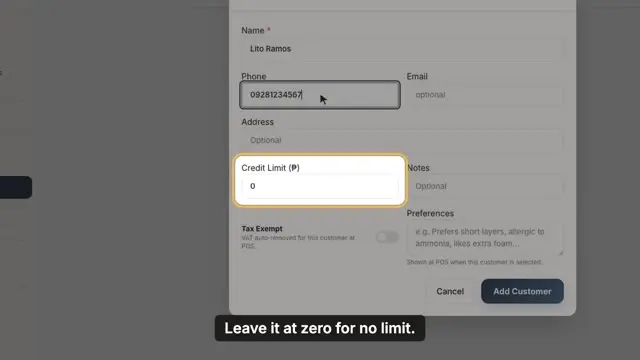
How to Add Customers and See What They Owe
Save your regular customers, set a credit limit, and see exactly how much each one owes and since when.
What you'll learn
Add a customer with a phone number
Set a credit limit that warns the cashier
See each balance and how old it is
Export a customer's statement as a PDF
Subtitles included
1:38
Starter plan or higherFor owners
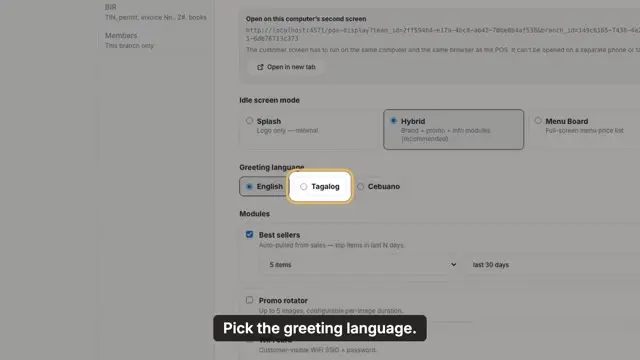
How to Set Up the Customer Display
Set up a second screen that shows customers their order, the total, and your GCash QR.
What you'll learn
Choose what customers see between sales
Pick the greeting language
Show your WiFi and GCash QR
Open the display on a second screen
Subtitles included
Stock
Deliveries, counts, transfers and suppliers.
2:04
Every planFor owners
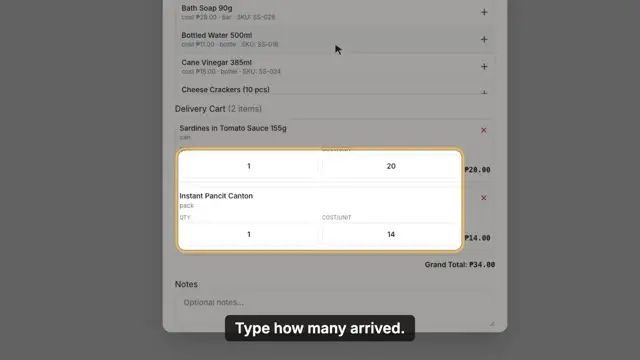
How to Receive a Delivery
Record what your supplier delivers, check it when it arrives, and choose how you paid, so your stock goes up the right amount. (Inventory is called Menu, Catalog or Services in some businesses.)
What you'll learn
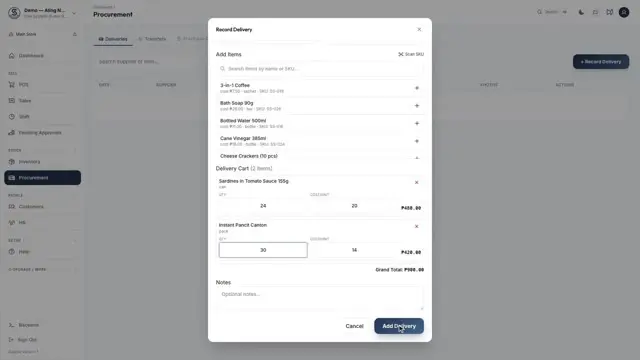
Record a delivery and its items
Mark it received and fix any short items
Attach a photo as proof of delivery
Pay from the cash drawer, or leave it unpaid
Subtitles included
1:33
Starter plan or higherFor cashiers
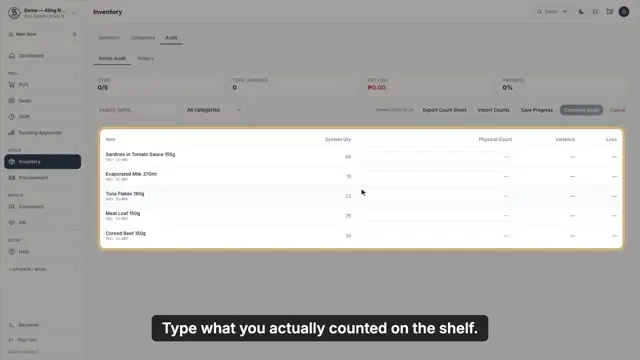
How to Do an Inventory Count
Count your stock, see what is missing and what it is worth, and correct your inventory in one go. (Inventory is called Menu, Catalog or Services in some businesses.)
What you'll learn
Count everything or one category
Type what is really on the shelf
See the difference and its value
Complete the count to fix your stock
Subtitles included
1:02
Growth plan or higherFor owners
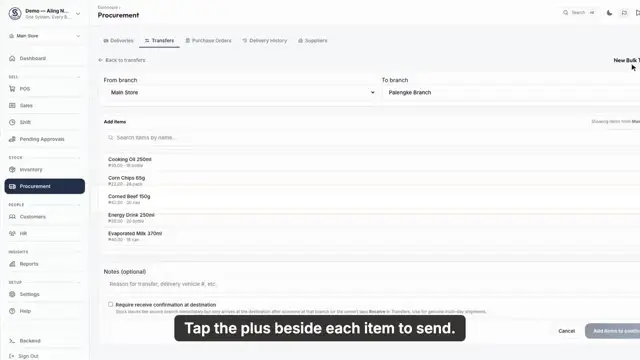
How to Transfer Stock Between Branches
Send stock from one branch to another, so both branches always know what they have.
What you'll learn
Pick where the stock comes from and goes
Add the items and quantities
See what each branch has available
Submit the transfer
Subtitles included
1:42
Enterprise, or on requestFor owners
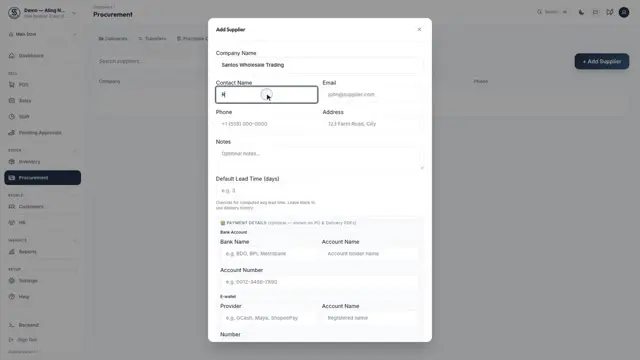
How to Add a Supplier and Make a Purchase Order
Save your suppliers and send them a purchase order. Purchase orders come with Enterprise, or can be switched on for you on request.
What you'll learn
Add a supplier and how you pay them
Create a purchase order
Set quantities and prices
Track it until everything arrives
Subtitles included
2:19
Growth plan or higherFor owners
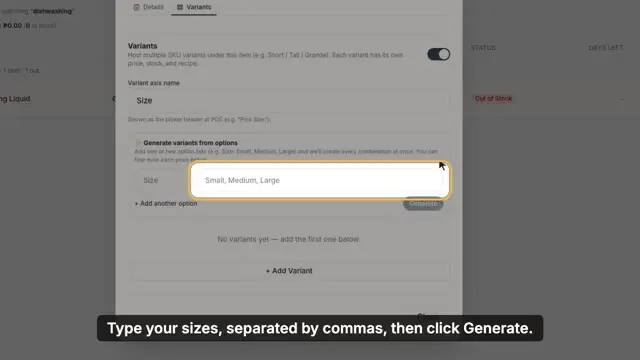
How to Add Variants
Sell one product in different sizes, each with its own price, cost and stock. Switched on for you on request.
What you'll learn
Turn on variants for a product
Create sizes in one step
Set each size's price and stock
Pick the size at the POS
Subtitles included
1:46
Growth plan or higherFor owners
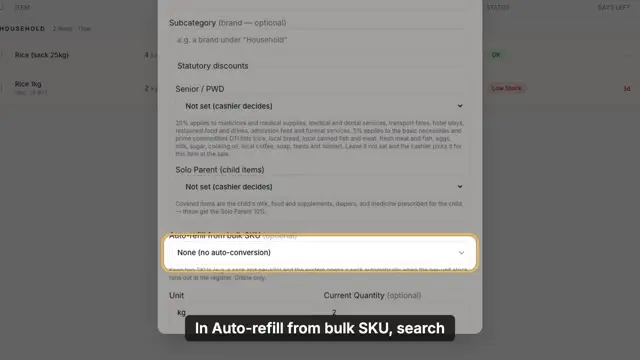
How to Sell by the Kilo from a Sack
Buy rice by the sack, sell it by the kilo, and let Suppliq open a new sack for you when the kilos run out. Switched on for you on request.
What you'll learn
Link the kilo item to the sack
Set how many kilos are in a sack
Sell more than you have loose
See a sack opened by itself
Subtitles included
Money
Cash out, expenses, reports and your plan.
2:02
Starter plan or higherFor cashiers
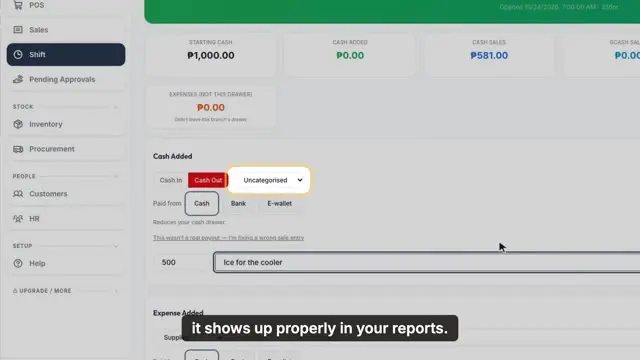
How to Record Cash Out and Expenses
Record cash taken out of the drawer and bills you pay, and fix an entry that was typed wrong.
What you'll learn
Record cash out with a category
Void a wrong entry with a reason
Record an expense like electricity
Choose where the money came from
Subtitles included
1:50
Growth plan or higherFor owners
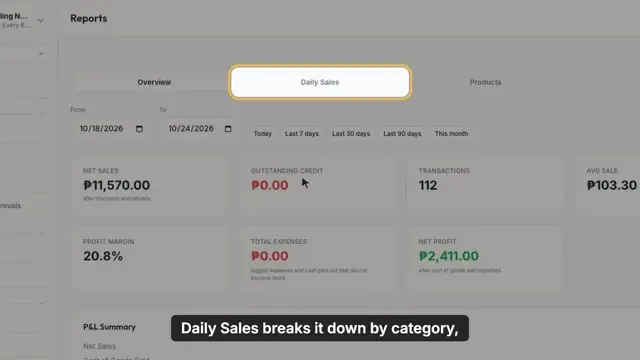
How to Read Your Sales Reports
See your sales, profit, best sellers and each cashier's sales for any dates you pick.
What you'll learn
Read net sales and profit
Break sales down by category or payment
Find your best sellers and days of stock left
See every action in the Audit Trail
Subtitles included
1:38
Every planFor owners
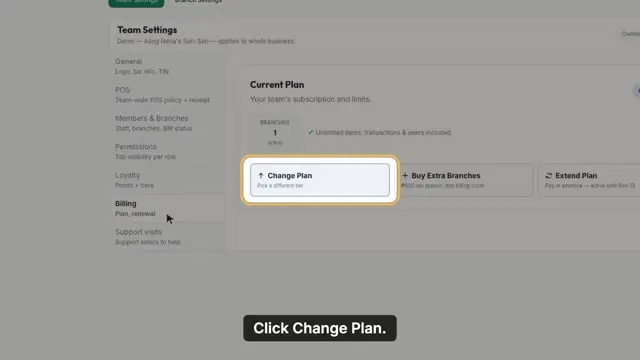
How to Upgrade or Renew Your Plan
Upgrade, renew or add branches to your Suppliq plan, and pay by GCash or Maya.
What you'll learn
See your plan and renewal date
Change plan and pay only the difference
Send payment and its reference number
Track the payment until it is approved
Subtitles included
Team
Staff, permissions, schedules and payroll.
1:24
Starter plan or higherFor owners
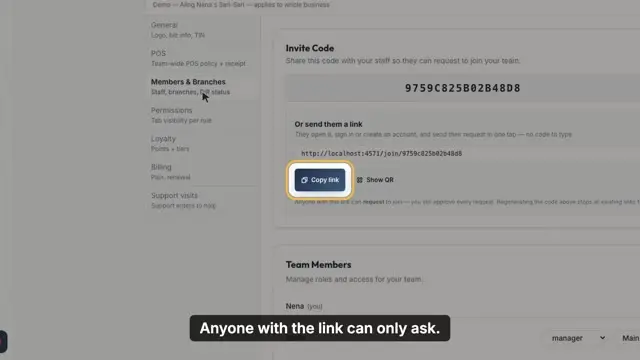
How to Add a Staff Member
Send your invite link, approve your staff member's request, and choose what they can do.
What you'll learn
Share your invite link
Approve a join request
Choose staff or manager
Change a role or branch later
Subtitles included
1:26
Every planFor owners
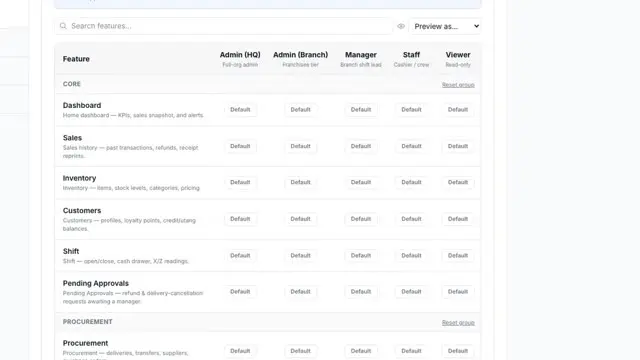
How to Control What Each Role Can Do
Allow or block what each role can do, for example stopping managers from voiding sales.
What you'll learn
Read the roles and actions table
Grant or deny an action
Save your changes
Preview what a role will see
Subtitles included
1:45
Growth plan or higherFor owners
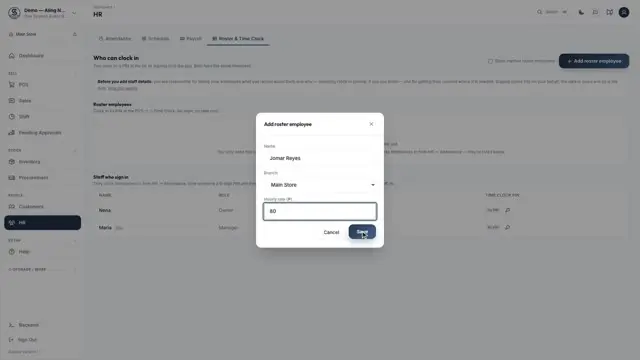
How to Add Staff and Clock In with a PIN
Add staff who don't need their own login, give them a PIN, and let them clock in at the POS. Switched on for you on request.
What you'll learn
Add a roster employee and hourly rate
Give them a six-digit PIN
Clock in from the POS
See their hours in Attendance
Subtitles included
1:32
Growth plan or higherFor owners
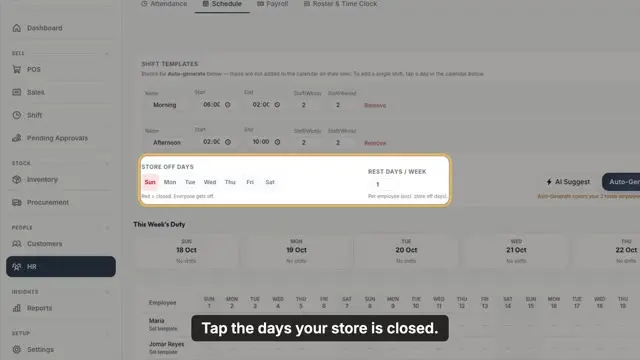
How to Make a Staff Schedule
Make the whole month's staff schedule in one click, then change a single day.
What you'll learn
Set your usual shifts
Mark the days you are closed
Generate the month
Change one day and notify staff
Subtitles included
1:22
Growth plan or higherFor owners
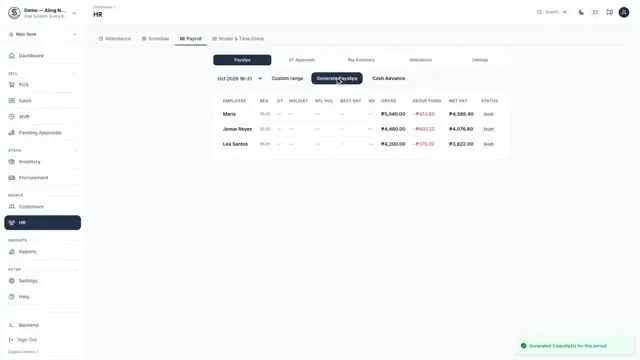
How to Run Payroll
Make payslips from your staff's hours, check them, and release them.
What you'll learn
Generate payslips for the pay period
Open and check a payslip
Fix a figure with a reason
Approve and release
Subtitles included
Store settings
Your logo, branches and printer.
1:37
Starter plan or higherFor owners
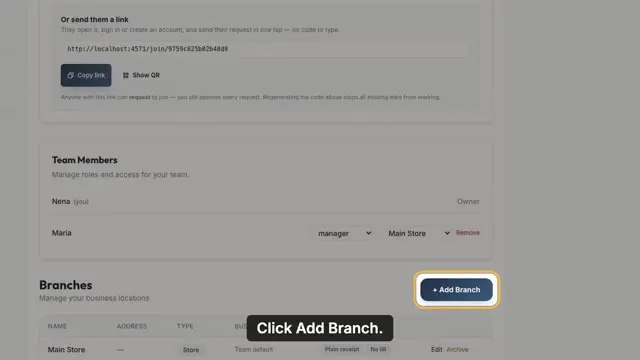
How to Set Your Store Logo and Add a Branch
Put your logo on your store and add a second branch, starting with the same items.
What you'll learn
Upload your logo
Add a branch
Copy the item list from another branch
Archive a branch that closes
Subtitles included
1:28
Every planFor owners
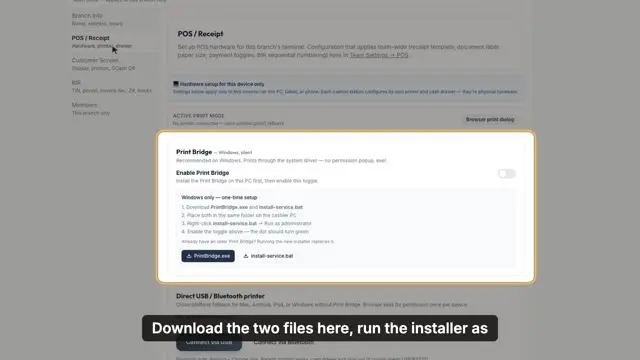
How to Connect a Receipt Printer
Connect a 58 or 80 millimetre thermal receipt printer and print a test.
What you'll learn
Use the Print Bridge on Windows
Connect by USB on a computer or Android
Print a test receipt
Connect a Bluetooth printer
Subtitles included
For your type of business
Tools for restaurants, wholesalers, salons, laundry shops and repair shops.
2:06
Growth plan or higherFor owners
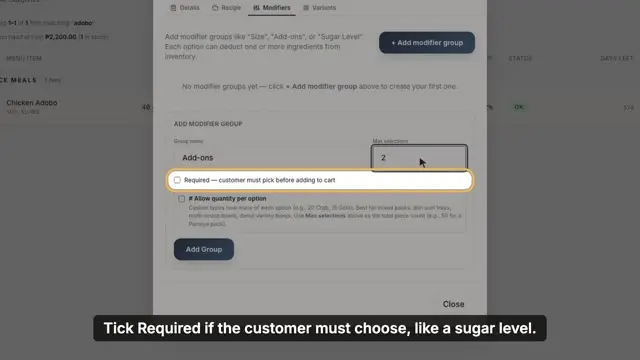
How to Add Modifiers and Add-ons
Add choices to a dish, like add-ons with an extra price, that the cashier picks at the POS.
What you'll learn
Create a group of choices
Make a choice required or optional
Add options with their price
Pick add-ons at the POS
Subtitles included
1:27
Growth plan or higherFor owners
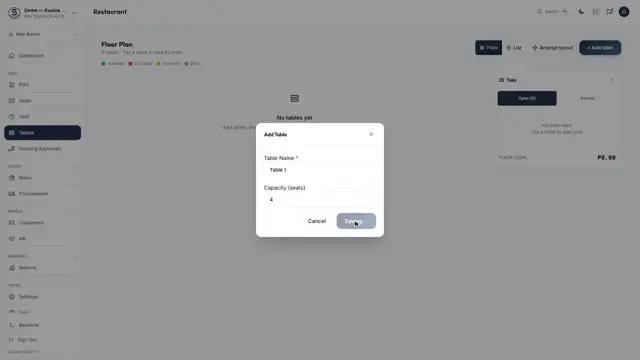
How to Set Up Tables
Add your restaurant's tables and arrange them like your dining room. Switched on for you on request.
What you'll learn
Add tables and their seats
Read each table's status
Arrange the floor layout
Tap a table to take an order
Subtitles included
1:58
Growth plan or higherFor cashiers
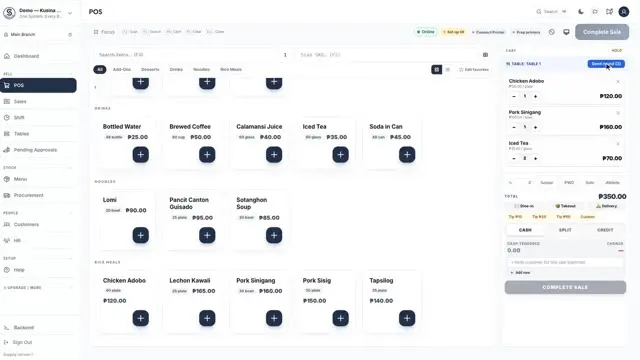
How to Take a Table Order and Settle the Bill
Open a table, send each round to the kitchen, and settle the bill when your customers are ready to pay. Tables are switched on for you on request.
What you'll learn
Tap a table to open its tab
Send a round to the kitchen printer
Settle everything, or only some items
Add a Senior or PWD discount, or a tip
Subtitles included
2:11
Growth plan or higherFor owners
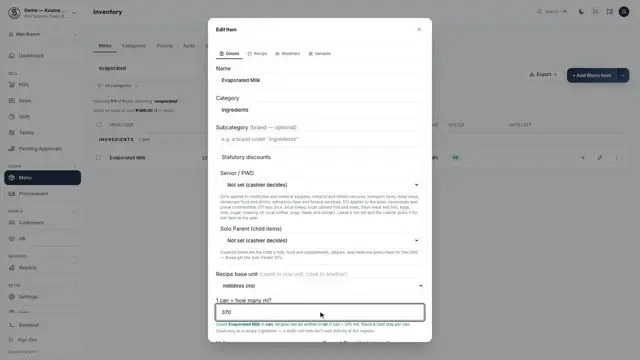
How to Count in Cans and Cook in ml
Count an ingredient in cans but use it in recipes by the millilitre. Switched on for you on request.
What you'll learn
Set a recipe unit for an ingredient
Say how much is in one can
Use it in a recipe
Read stock as full and open cans
Subtitles included
1:57
Growth plan or higherFor owners
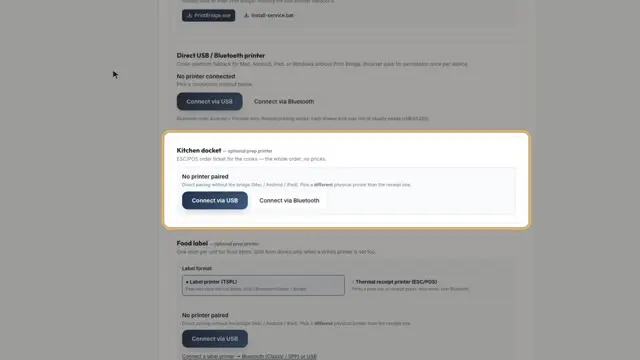
How to Set Up Kitchen Tickets and Food and Drink Labels
Print a ticket for your cooks and a label for each food and drink order. Labels are on for new food businesses; older accounts can ask us to switch them on.
What you'll learn
Mark your drinks category
Connect a kitchen printer
Set up food and drink labels
Choose what each label shows
Subtitles included
1:16
Growth plan or higherFor owners
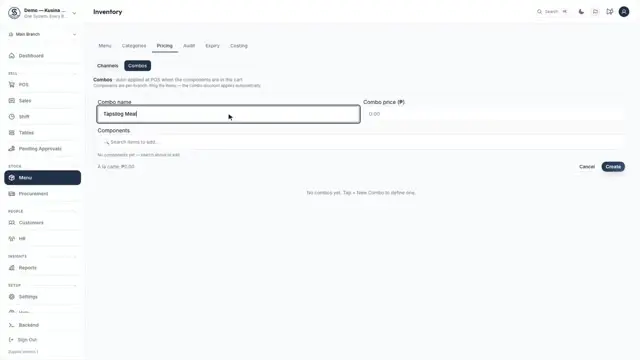
How to Make a Meal Deal
Make a meal deal at a special price that the POS applies by itself. On for new food businesses; older accounts can ask us to switch it on.
What you'll learn
Create a combo and its price
See how much the customer saves
Ring the items as usual
Watch the POS apply the deal
Subtitles included
1:20
Growth plan or higherFor owners
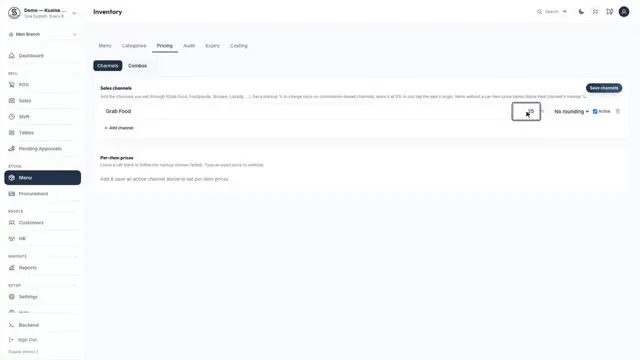
How to Set Grab and Foodpanda Prices
Charge a different price on Grab and Foodpanda, so their commission doesn't eat your profit.
What you'll learn
Add a delivery app channel
Set its markup and rounding
Set an exact price for any item
Tag the sale to the app at the POS
Subtitles included
1:25
Growth plan or higherFor owners
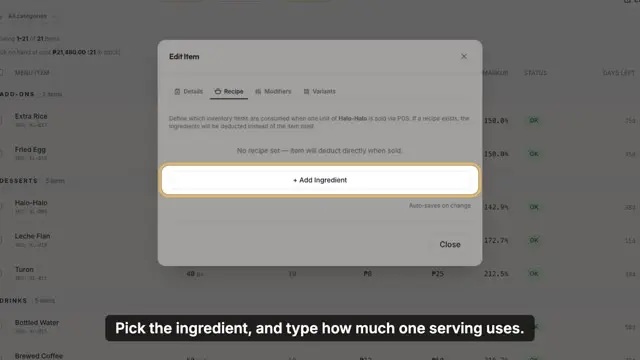
How to Set Up a Recipe and See Your Food Cost
Set up a recipe so each dish takes its ingredients out of stock, and see what each one costs to make.
What you'll learn
Add ingredients to a dish
Stock goes down with every sale
See each dish's cost and profit
Read the Costing tab
Subtitles included
1:09
Starter plan or higherFor owners
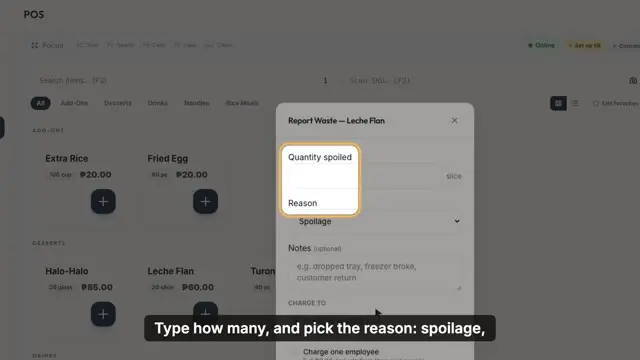
How to Log Waste and See What It Costs You
Let your crew log food that spoils or spills, and see what waste is costing you.
What you'll learn
Log waste from the POS
Pick the reason
Stock comes off right away
See the Waste report on Growth
Subtitles included
1:26
Growth plan or higherFor owners
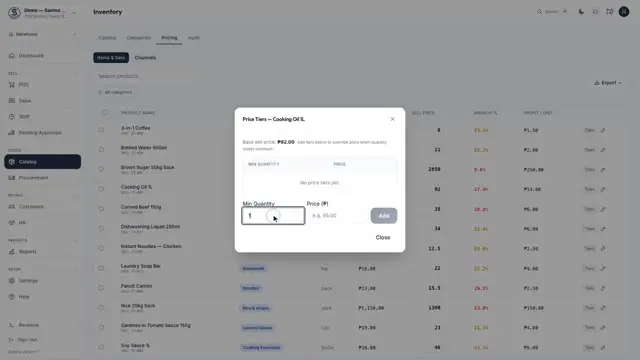
How to Set Bulk Prices
Give a lower price per item when a customer buys in bulk. The POS switches to the bulk price by itself.
What you'll learn
Add price tiers, like 12 or more
See the regular price for small orders
Watch the price drop at the bulk quantity
The bulk price prints on the receipt
Subtitles included
2:43
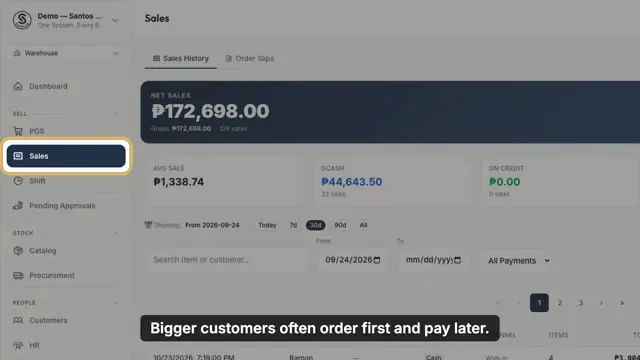
Growth plan or higherFor cashiers
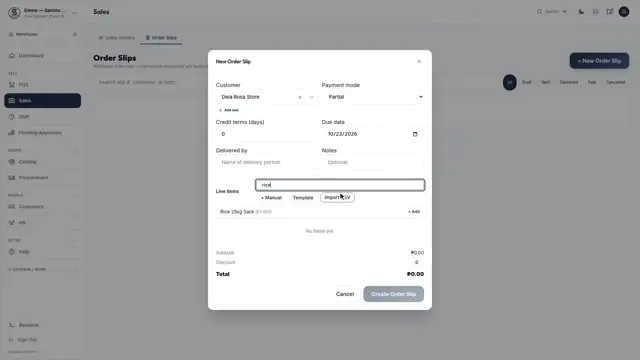
How to Make an Order Slip and Convert It to a Sale
Write an order slip, take a deposit, and turn it into a sale when the goods are delivered.
What you'll learn
Create an order slip with terms
Print it for the customer
Take a deposit
Convert it to a sale with the deposit deducted
Subtitles included
1:39
Starter plan or higherFor cashiers
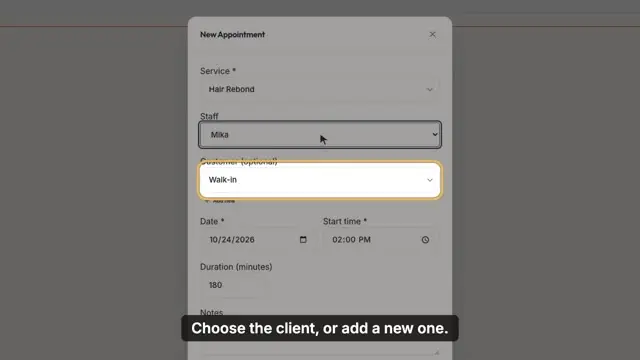
How to Book an Appointment and Charge the Service
Book a client with a stylist, then charge the service so it counts toward the stylist's commission.
What you'll learn
Book a time, service and stylist
Get a warning if the stylist is booked
Charge the service at the POS
See commission in Reports on Growth
Subtitles included
1:50
Starter plan or higherFor cashiers
How to Make a Laundry Ticket and Release It
Charge laundry by the kilo, follow every ticket on the Laundry Board, and release it once it is paid.
What you'll learn
Price a load by its weight
Print a claim stub for the customer
Move tickets from Received to Ready
Collect payment, then mark it Claimed
Subtitles included
2:39
Scale plan or higherFor cashiers
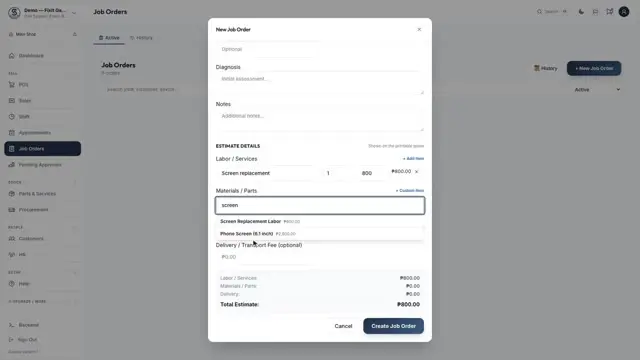
How to Handle a Repair Job
Take in a repair, give a quote, track the work, and release it only once it is paid.
What you'll learn
Create a job order with labour and parts
Print the estimate for the customer
Parts leave stock when work starts
Record payment, then release
Subtitles included
Can't find the video you need?
Send us a message and we'll get back to you within 1 business day. Already on a paid plan or a free trial? AI Help inside the app answers questions about using Suppliq.